
Game moment

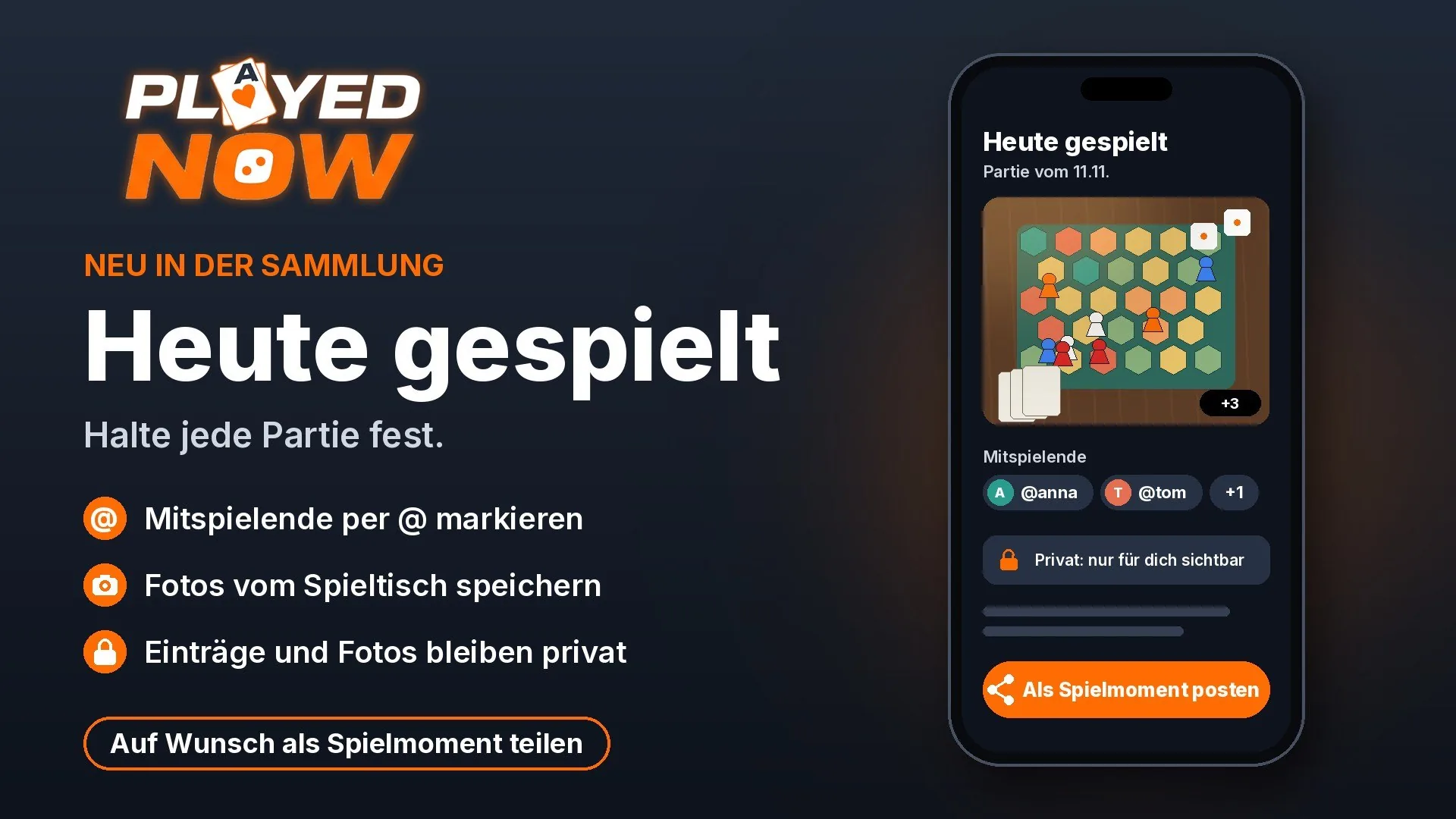
New in the collection: Played today
🇩🇪 Original in German
Starting now, you have the option to log your games directly in your collection. For every game, "Played Today" is available for this.
Here's how it works:
1. Open the game in your collection and select "Played Today."
2. Add your fellow players. Anyone who is on PlayedNow themselves can simply be tagged with @ and their name. Other names work too, of course. (for this feature we had to make your usernames unique here - if you suddenly have a number after your name and then want a different name after all, just change it in your profile. Nearly all names are still available :)
3. Save photos of the game table and from the session, for example of the setup, the final score, or the round.
Your pictures and entries stay private. They are visible only to you.
Everyone who wants to can publish an entry as a game moment and share it with everyone. That's your decision, and you make it for each game individually.
This way, your personal game diary grows piece by piece: who you played with, what the evening looked like, and which games you want to remember.
Test it out at your next game night and let me know what's still missing.
Daniel

🇩🇪 Original in German
Very cool. 😃 That's exactly what someone suggested recently. Now I just need to get my fellow players over here 😅 But I understood it correctly, right—the entry is private, and if you want to share it you have to create a separate game moment? Could you also do something like publishing the "played today" entry right away? Or is that what's meant by publishing it as a game moment?
🇩🇪 Original in German
No, I never like double the effort... just share from the entry into the community
🇩🇪 Original in German
Doesn't quite fit here, but I don't want to dig up the old post for the collection. The fact that no expansions are shown isn't a bug but probably a deliberate decision, right? I don't think it's bad at all, because then I first realize that we don't actually have that many games. There's still room 😂
🇩🇪 Original in German
yes, that was a fundamental decision. But I noticed that I had scanned some that are included with it. So of course it's not forbidden. We just decided to do it that way for the import from BGG.
🇩🇪 Original in German
Such a cool idea and feature - a game diary! Let's try it out right away!
🇩🇪 Original in German
Things are moving fast here. Thanks for implementing it. I'll test it out.
🇩🇪 Original in German
Great feature—has to be tested right away at the next game night
🇩🇪 Original in German
AND if you play a game at the game meetup that you like, you can also scan it right there (the EAN code) and log it as played too, or just remember it because you want to buy it in the future, for example.
🇩🇪 Original in German
Hold on, I don't quite get this yet. I only play about 10% of my own games. So if we assume the normal case that I'm playing a game that's not in my collection... what exactly do I need to do then? Where do I even find the game? (Today I played 'Circadia' and 'Vale of Eternity'. Both are not in my collection and the search doesn't find them.) Oh right, and *while* I'm playing a game, I obviously have other things to do than scan an EAN code — that's kind of the whole point of playing.
🇩🇪 Original in German
When you're done, after putting things away, you can track that you've played the game. Scan the code or search for the name and then click "Played" or "Want to have." Then it shows up in your collection under "Played" and/or "Wishlist." There you can note the game session right away.
🇩🇪 Original in German
Very strong! So happy for you 😍